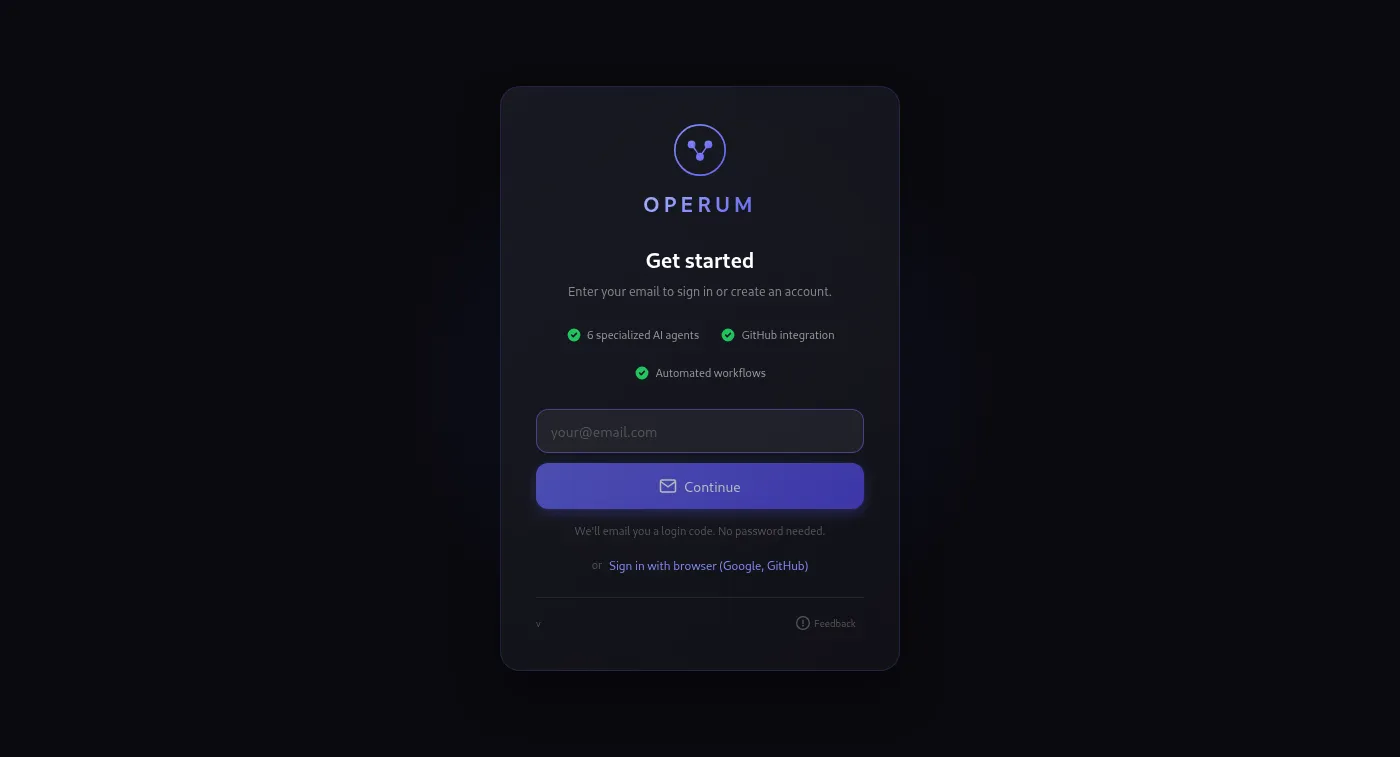
Quick Start
From download to your first running agent in minutes. Follow these 7 steps.
- Install & Connect
Download Operum for macOS, Windows, or Linux. Connect your Claude account with one command — or subscribe to Claude Max ($100+/mo) if you don't have one yet. That's your AI engine, and Operum never sees your password or proxies your usage. More AI engines are coming soon. See the full Requirements page for platform-specific details.
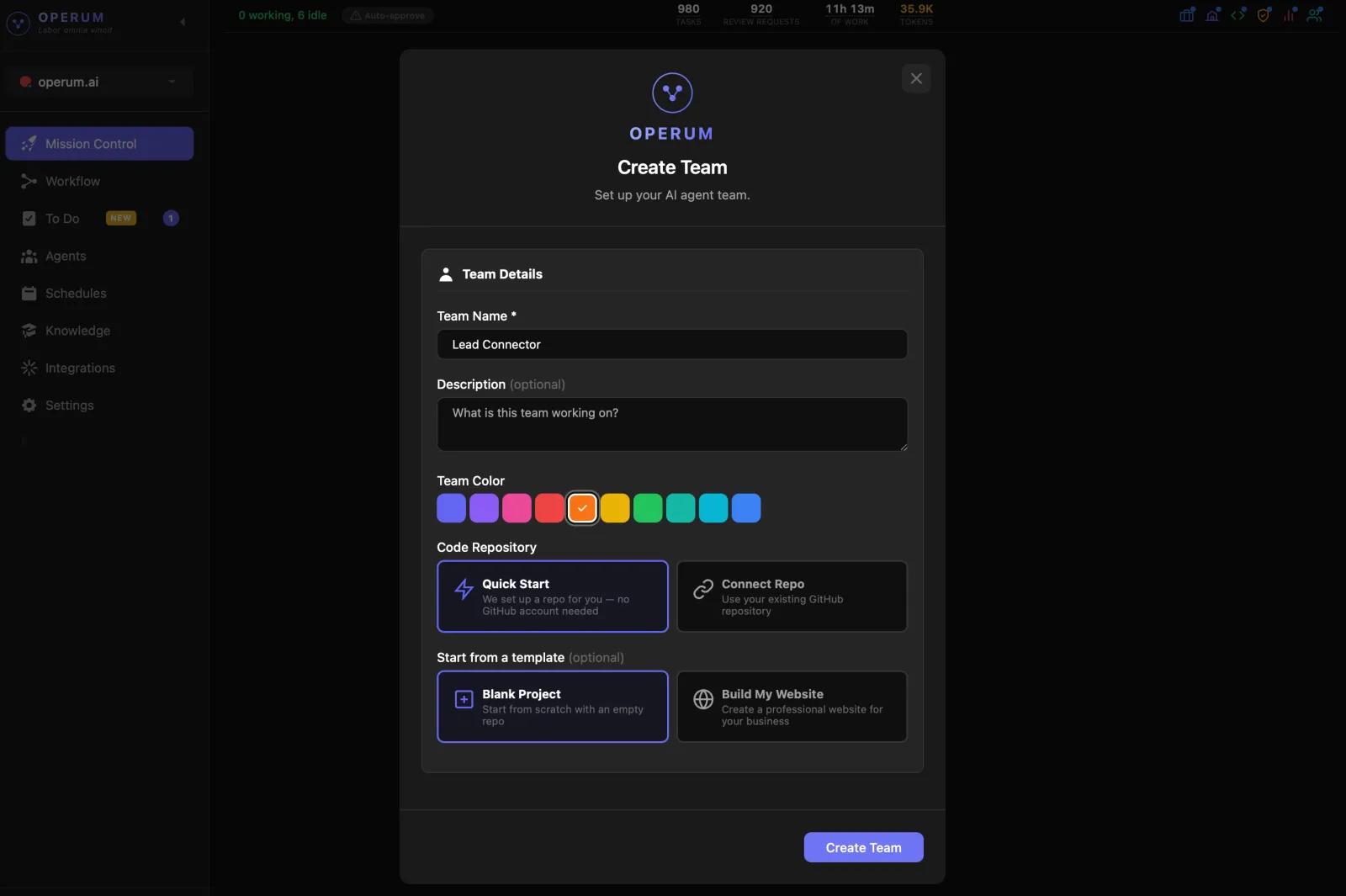
- Create Your Team
Set up your first project in seconds. Choose Quick Start and we create a repository for you, or connect your own repo. Name the project, pick a color, choose a template if you want a head start — and your team is ready. Each project gets its own AI team, knowledge base, and workflow.
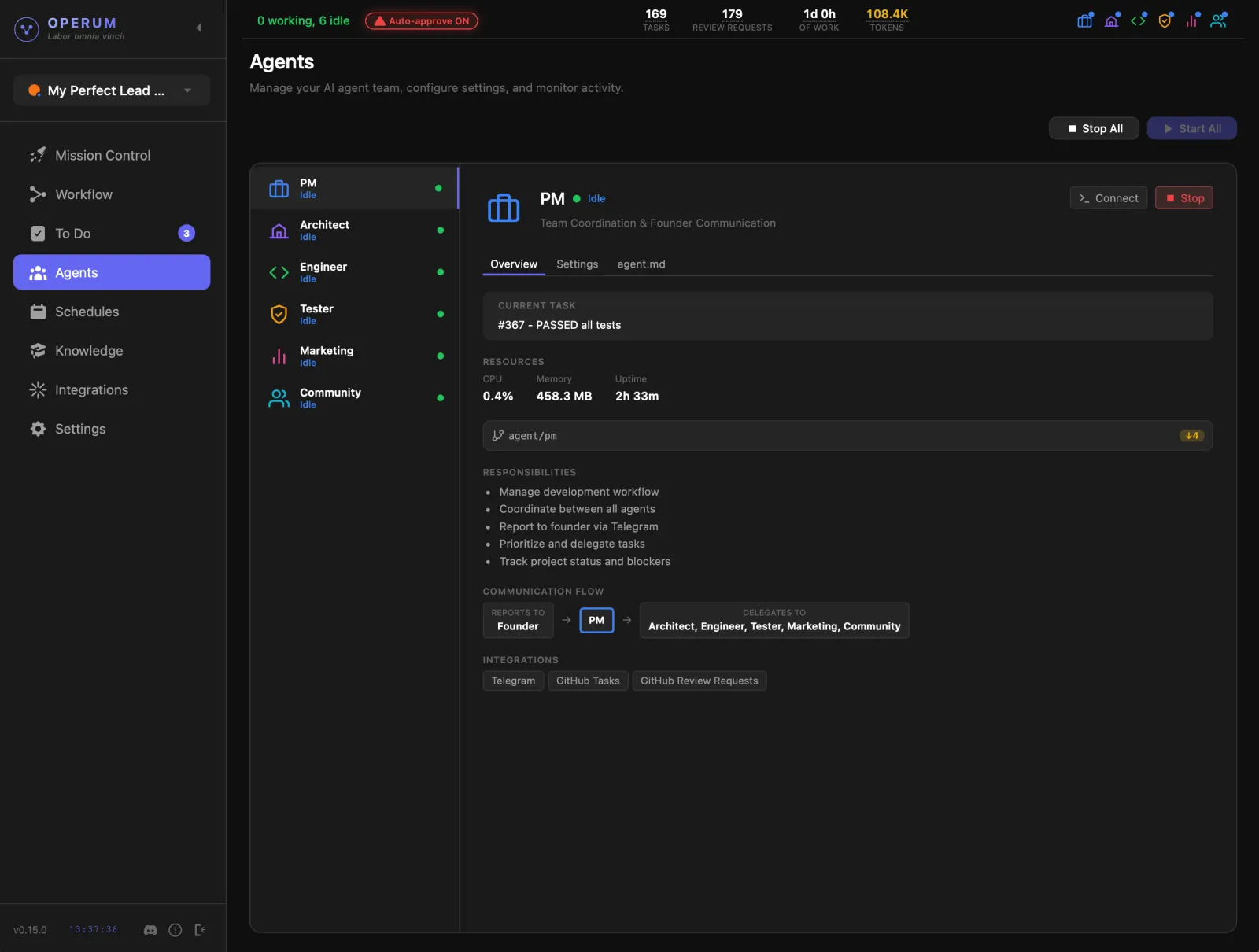
- Start Your Agents
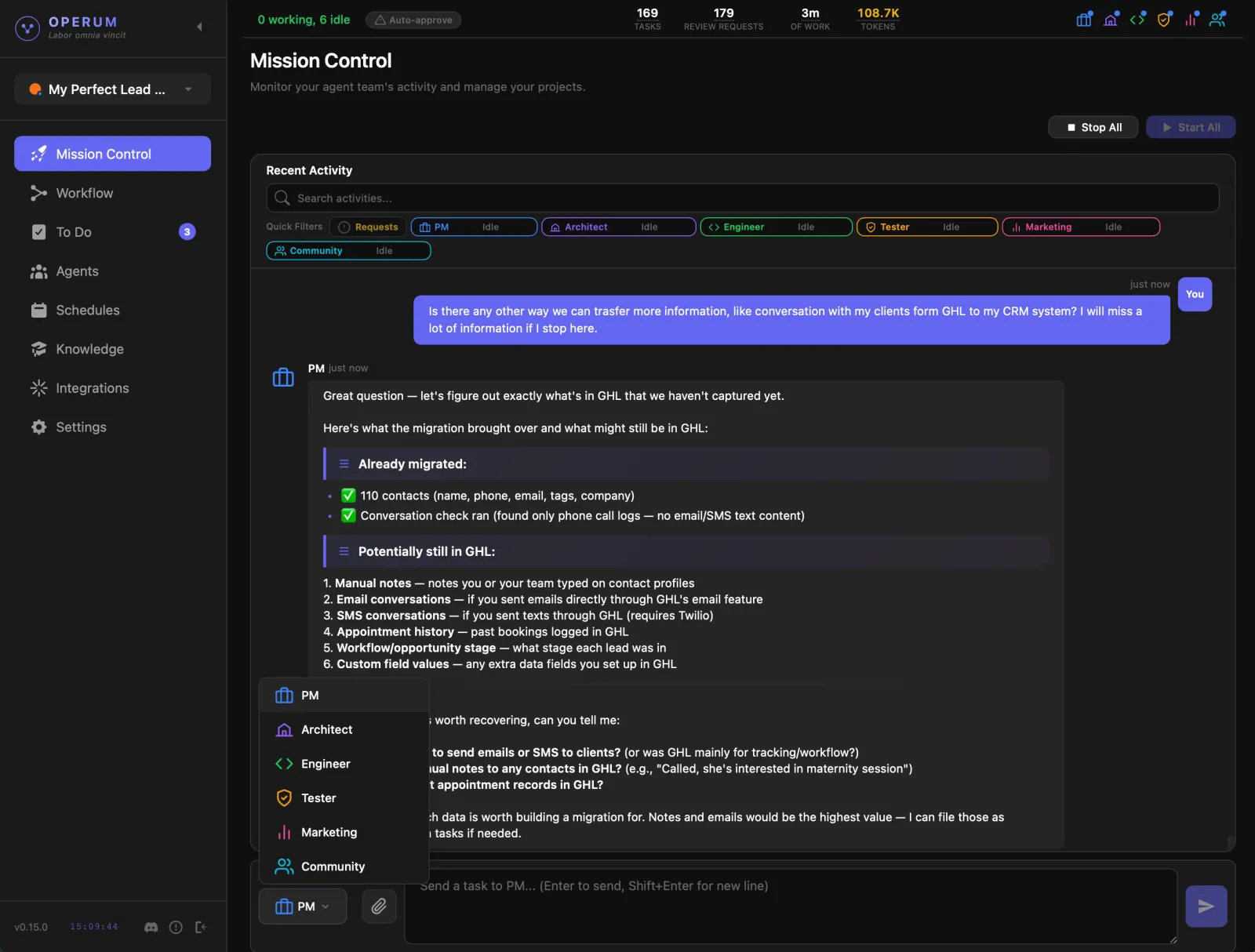
To start working, you need to start your agents. You can start all or click "Start" on any agent in the Agents tab you want to activate. Start with the PM Agent — it coordinates the rest of the team.
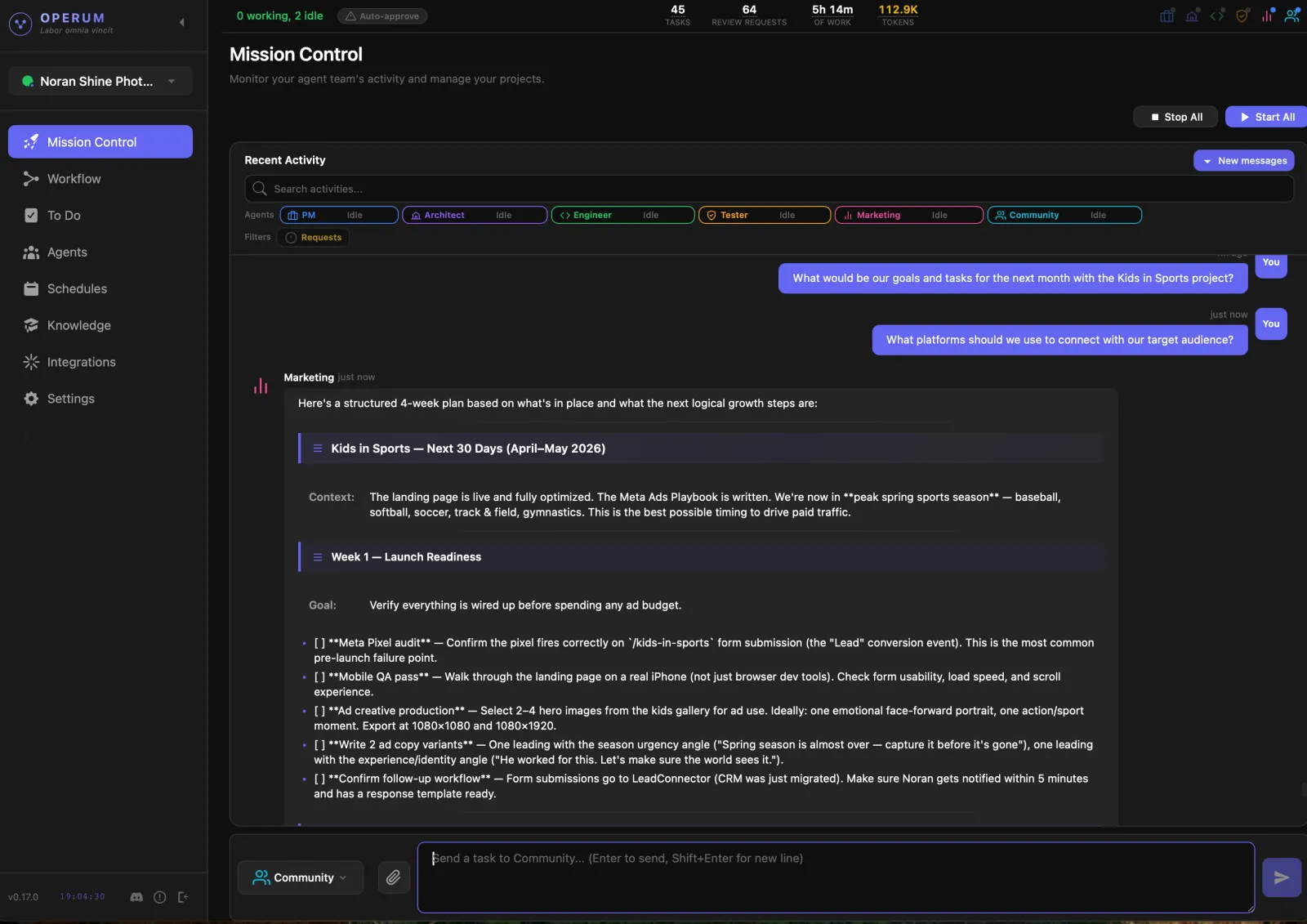
- Talk to Your PM
Describe what you have in mind — a new project, building a website, launching a product, or anything you need done. The PM creates a project overview, breaks it into tasks, prioritizes the work, and routes each task to the right agent. You talk to one person; the whole team moves.
- Review & Approve
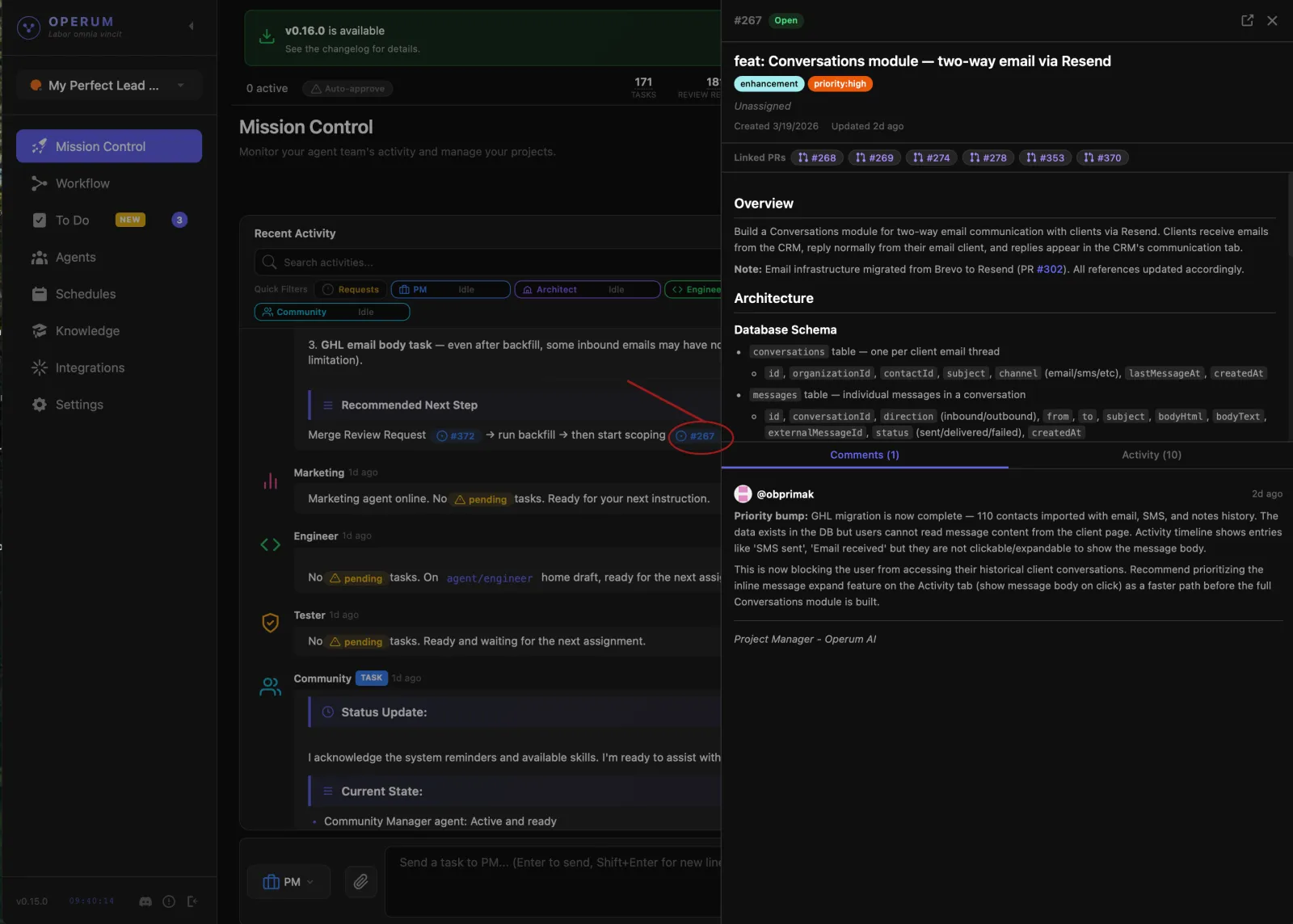
Agents create pull requests with their changes. The Tester validates quality before you even see it. You review the PR, give feedback, and approve when you're satisfied. Nothing ships without your sign-off.
Want less involvement? Enable Auto-Approve and let the team handle the full cycle — you can always review later. Some tasks need your hands-on work — those show up in your To Do section so nothing falls through the cracks.
- Watch the Workflow
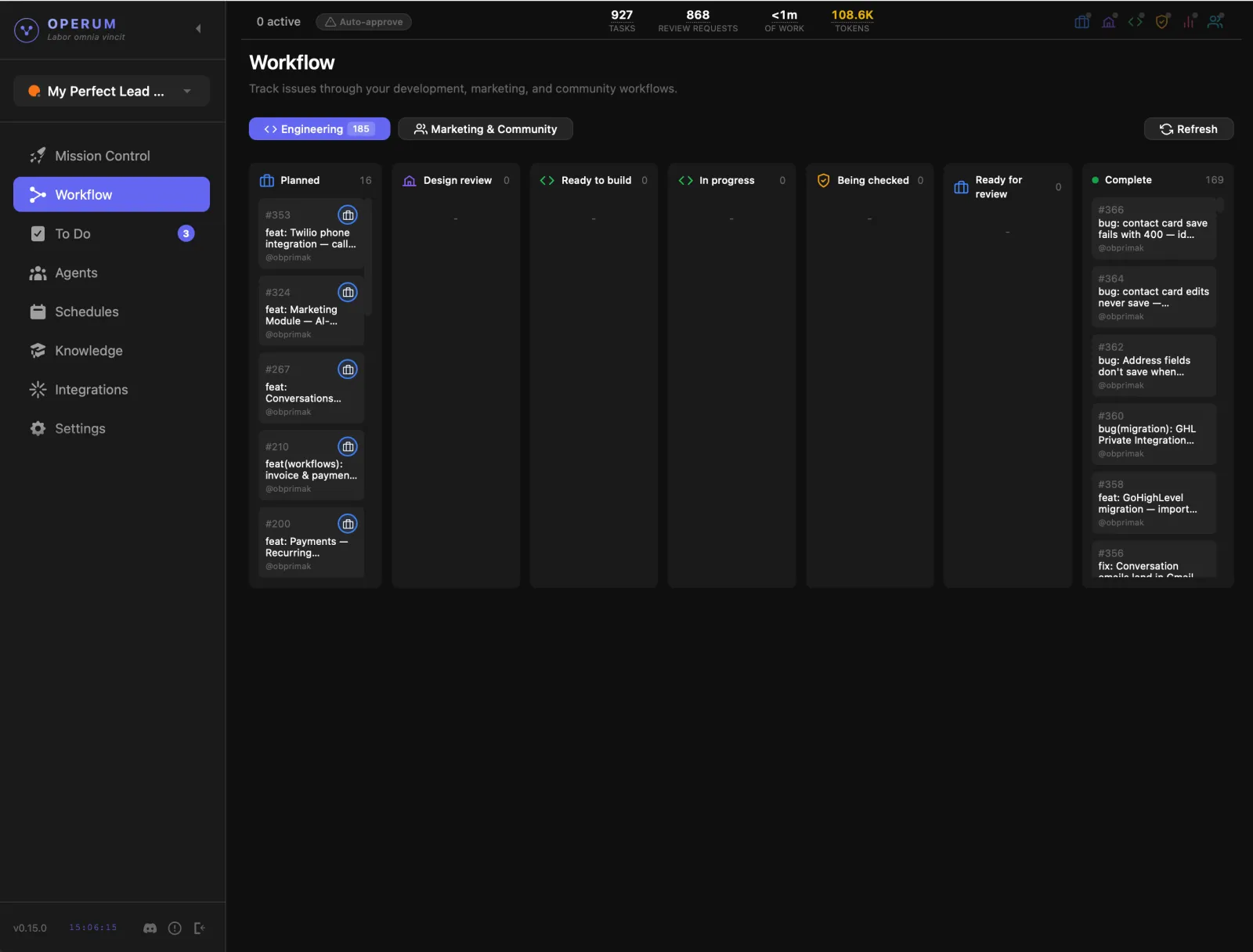
Issues flow through a Kanban board: backlog, architecture review, in-progress, testing, and finally review. Each agent picks up work, updates the status, and hands off to the next agent when done. You see the full picture at a glance.
- Ship & Grow
After your feature ships, Marketing creates blog posts and content about it. Community monitors Discord and helps users. The workflow keeps running — your AI team works while you focus on the next big thing.